Odoo Website and eCommerce
Odoo eCommerce unites your website, stock and orders
Build your website and online shop in the same system that already holds your products, stock levels and orders. A shop order becomes a sales order directly, with no separate integration.
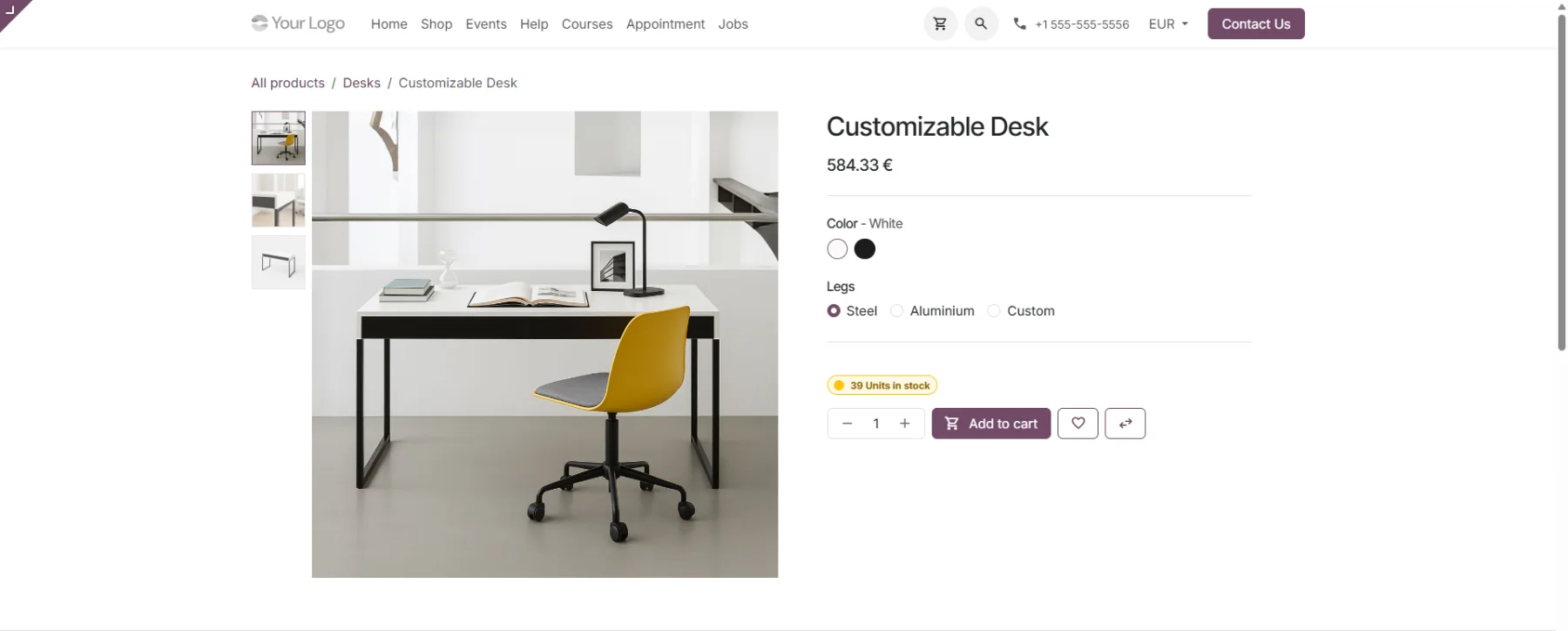
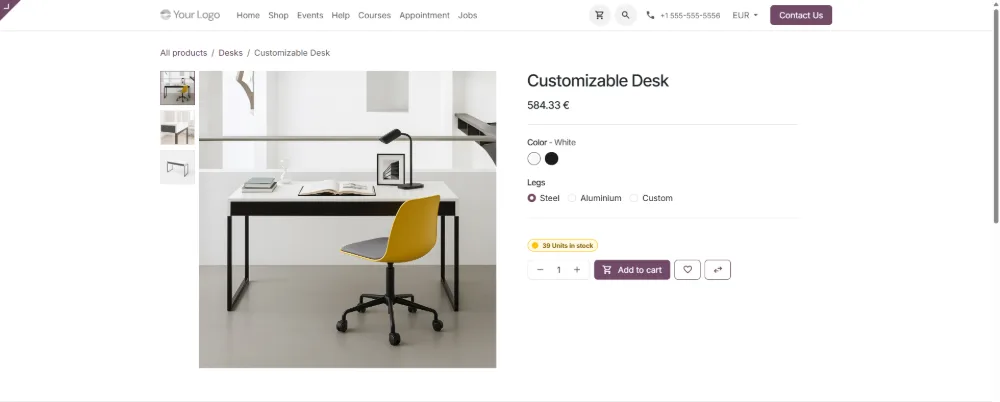
Odoo eCommerce · the product page shows price, variants and stock level from the same product record
One process from website to invoice
Website, shop, stock, sales and invoicing all run on the same product data in Odoo. A customer order moves from one stage to the next without data being transferred between systems.
- 01 WebsiteA visitor finds the product
Website and shop are one and the same.
- 02 ShopPrice and stock from one record
The product page reads the same record as stock.
- 03 OrderThe purchase becomes a sales order
Basket lines are the order lines.
- 04 DeliveryThe warehouse gets a picking
Delivery status shows on the order.
- 05 InvoicingThe invoice comes from the order
Sales and accounting reconcile.
01 · Website
Build your site and shop without code
Odoo Website Builder is a drag-and-drop editor that assembles pages from ready-made blocks. The same editor edits your shop pages too, so site and shop stay one whole.
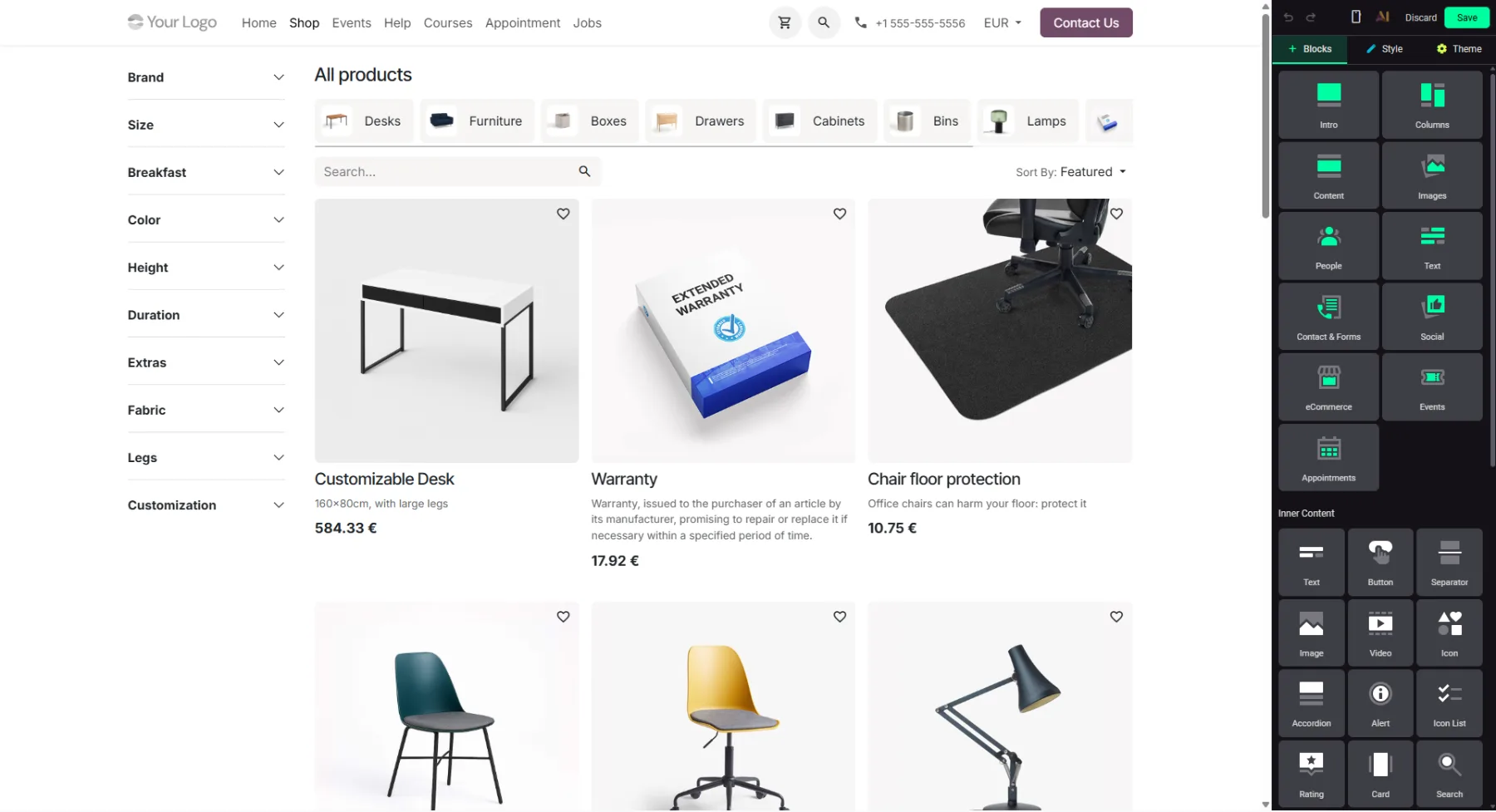
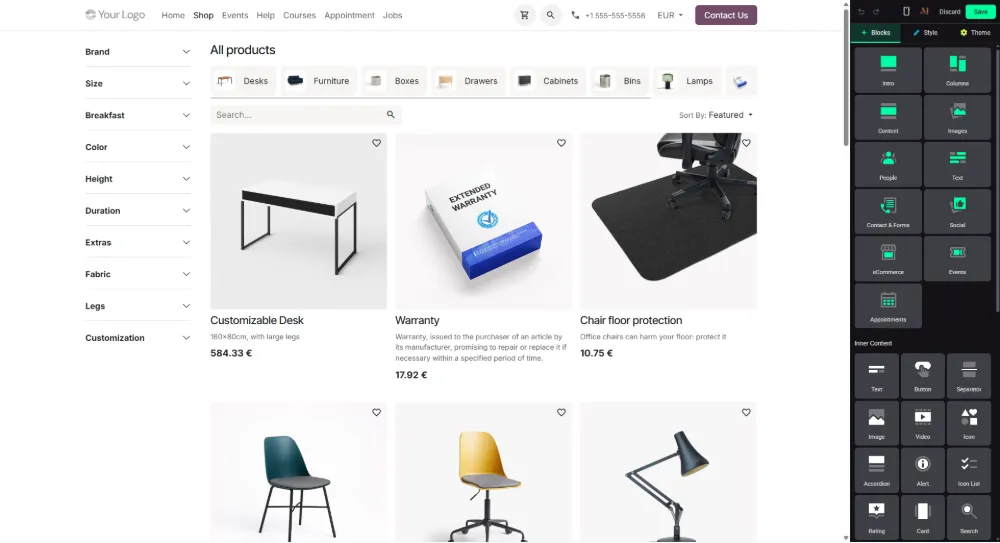
Odoo Website Builder · a shop page is edited with the same editor as every other page
Ready-made blocks
Content is assembled from blocks: text, images, forms and eCommerce elements are dragged into place.
Themes and styles
Colours, fonts and buttons are set at theme level, which keeps the look consistent across every page.
SEO and copy
Title, description and keywords are defined per page in the editor. AI suggests product copy and translations.
02 · Shop
An online shop that shows the real stock position
A shop product is the same record as in stock and sales. Price, variants and stock level come straight from it, so what the customer sees is current without a separate update.
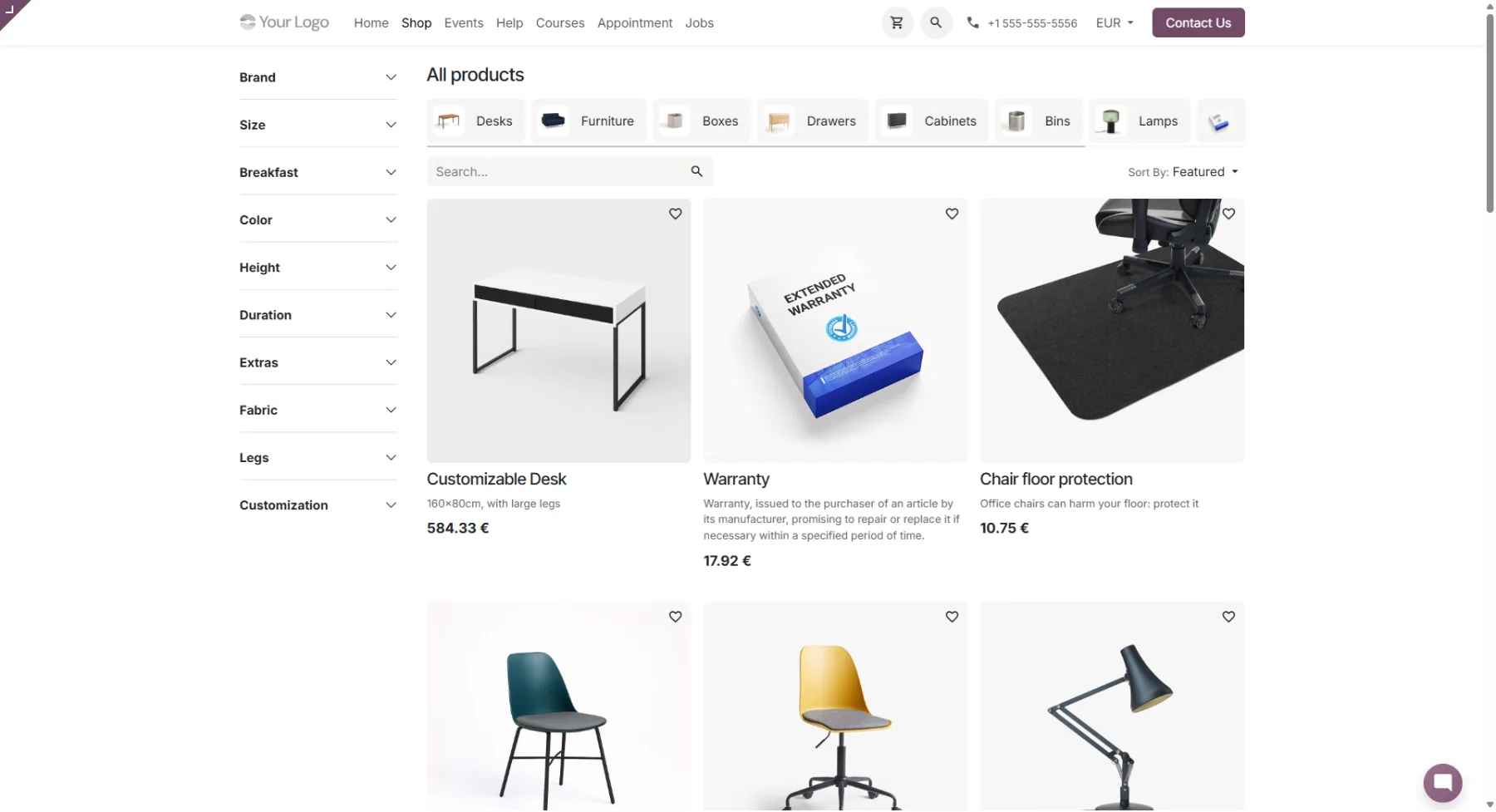
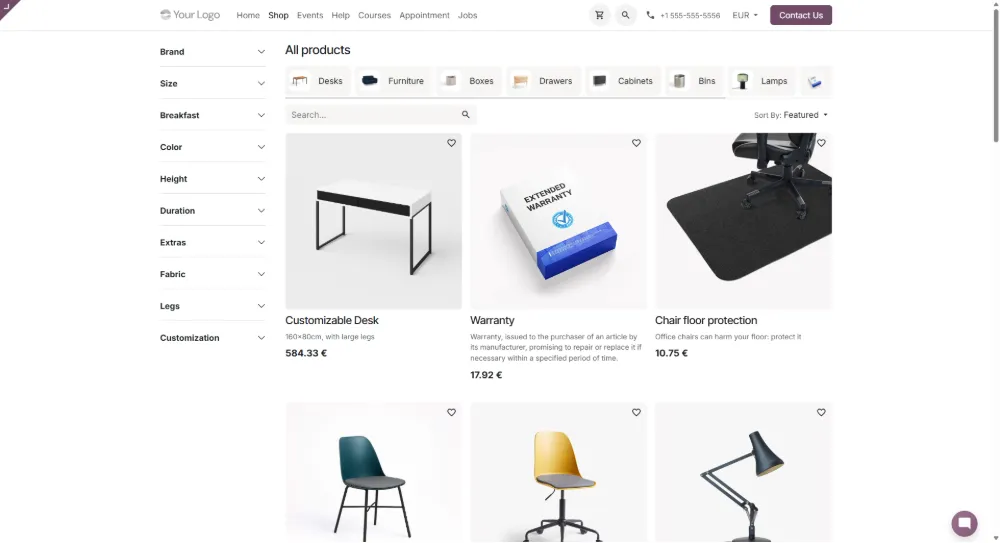
Odoo eCommerce · categories, attribute filters and pricing in one view
Categories and filters
Customers narrow the range by product group and attributes such as colour, size or material.
Variants and price lists
Variants of one product are managed in a single record. Price lists can vary by customer group and currency.
Stock visible to customers
The stock level can be shown on the product page, and selling blocked once an item runs out.
03 · Order
The order continues straight into ERP
When the customer confirms the purchase, Odoo creates a sales order. The same lines move on to warehouse picking and invoicing with no separate transfer or integration.
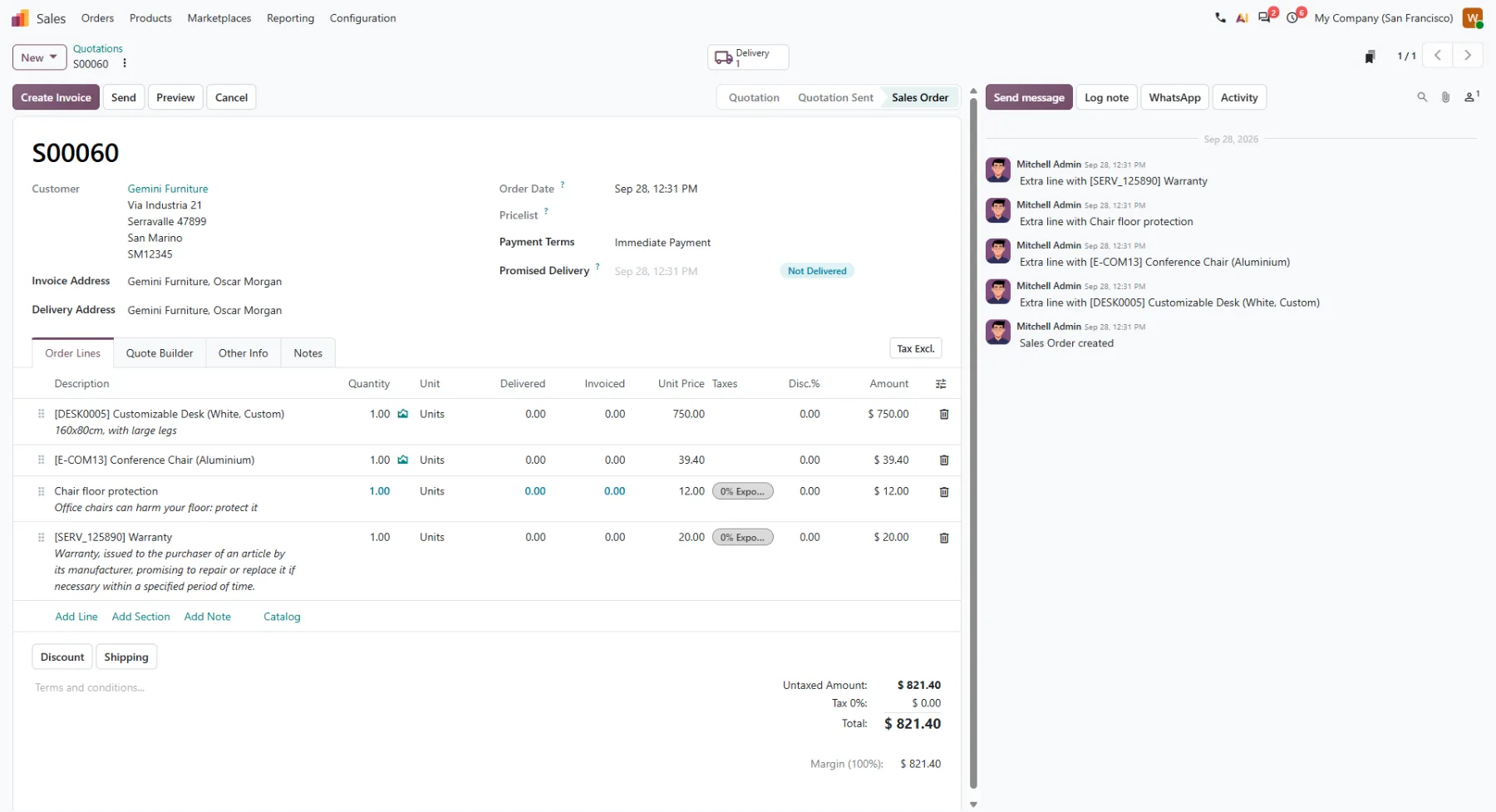
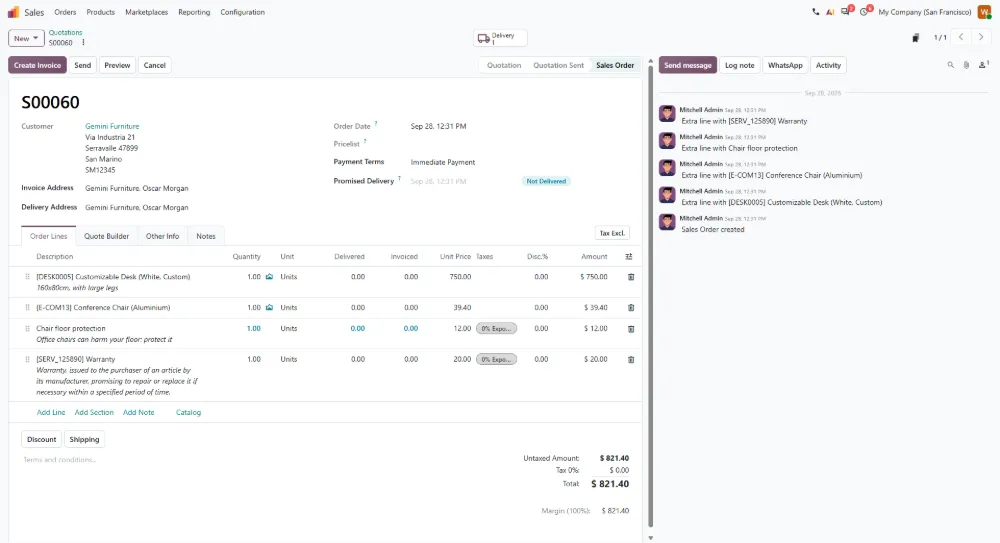
Odoo Sales · a shop order as a sales order: same lines, delivery and invoicing on one record
One Odoo whole
Your online shop is not a separate system
Site, shop, stock, sales and invoicing are parts of the same Odoo whole. Data carries from one stage to the next, so no separate transfers or parallel product registers are needed.
Read more: Odoo ERP and Odoo Marketing.
- Stage 1Website
Content, search visibility and enquiries.
- Stage 2Online shop
Products, variants, price lists and basket.
- Stage 3Stock
Stock levels, picking and delivery.
- Stage 4Sales
Sales orders and customer data.
- Stage 5Invoicing
Invoices and accounting reconciliation.
Who it suits
When shop and ERP must stay on the same data
Launching an online shop
Site and shop can be built at the same time, with no separate shop platform to choose and integrate into your ERP.
Already running Odoo
Products, stock and sales are already in Odoo, so the shop goes live on top of data you already have.
Growing B2B sellers
Customer-specific price lists, variants and quotation requests work in the same shop as direct online sales.
Why Revise
An Odoo partner that understands finance too
Revise has been a Finnish software and advisory company since 2016 and an Odoo partner since 2018. Our expertise covers operations, finance, reporting and management, so an online shop is designed as part of the whole.
Finance in the design from the start
We also handle bookkeeping, payments and payroll, so shop invoicing and accounting reconciliation are designed at the same time rather than afterwards.
Delivered in stages
We build the whole in a practical way and in stages, so the shop starts earning before every last detail is finished.
All the way to management
Our own Revise EPM continues where ERP ends: reporting, budgeting and forecasts are built on the same data.
See what your online shop would look like in Odoo
Book a free demo. We go through the structure of your products, your stock data and your order process, and show how the shop would work with your own range.